Feeling overwhelmed by your to-do list? Do deadlines loom larger than life? You’re not alone. In today’s fast-paced world, mastering time management is crucial for boosting productivity, reducing stress, and achieving your goals. Luckily, a plethora of time management tools are available to help you take control of your schedule and optimize your workflow. This guide explores the best time management tools and strategies to help you maximize your efficiency.
Understanding the Importance of Time Management Tools
Why Use Time Management Tools?
In an era dominated by distractions, time management tools aren’t just helpful – they’re essential. Studies show that effective time management can increase productivity by up to 20%. But the benefits extend beyond sheer output.
- Increased Productivity: Streamlining tasks and minimizing wasted time leads to higher output.
- Reduced Stress: A well-managed schedule reduces the anxiety of looming deadlines and forgotten tasks.
- Improved Focus: By prioritizing tasks, you can concentrate on what truly matters, avoiding the pitfalls of multitasking.
- Better Work-Life Balance: Effectively managing your time at work allows for more personal time, improving overall well-being.
- Achieving Goals: Breaking down large goals into manageable tasks makes them feel less daunting and more achievable.
Different Types of Time Management Tools
The world of time management tools is diverse, catering to different needs and preferences. Common categories include:
- Task Management Apps: (e.g., Todoist, Asana, Trello) These tools help you organize and prioritize tasks, set deadlines, and track progress.
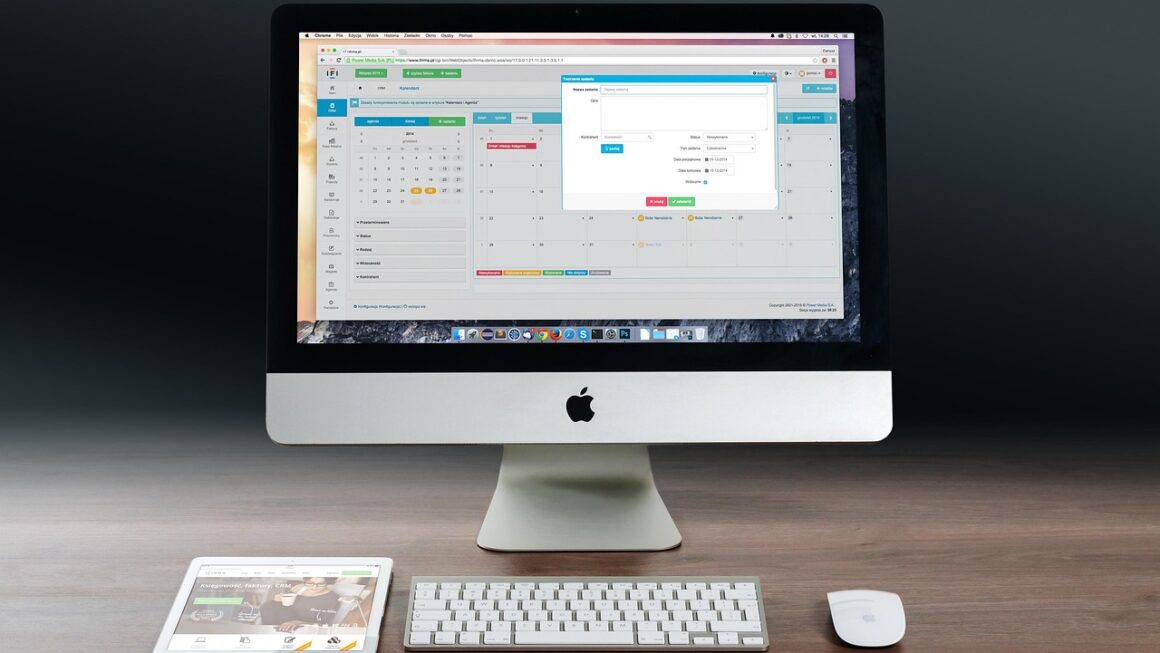
- Calendar Apps: (e.g., Google Calendar, Outlook Calendar, Apple Calendar) Calendars allow you to schedule appointments, set reminders, and visualize your day.
- Time Tracking Apps: (e.g., Toggl Track, Clockify, RescueTime) These apps track how you spend your time, providing valuable insights into your productivity habits.
- Note-Taking Apps: (e.g., Evernote, OneNote, Notion) Organizing your thoughts and ideas in one place can save time and boost creativity.
- Focus Apps: (e.g., Forest, Freedom, Focus@Will) These tools block distracting websites and apps to help you concentrate on your work.
Top Task Management Tools for Increased Productivity
Todoist: Simplicity and Power Combined
Todoist is a popular task management app known for its intuitive interface and powerful features.
- Key Features:
– Task Creation and Organization: Easily add tasks, set due dates, and assign priorities.
– Project Management: Create projects and sub-projects to organize complex tasks.
– Collaboration: Share projects with colleagues and assign tasks to team members.
– Recurring Tasks: Automate routine tasks with recurring schedules.
– Integration: Integrates with other popular apps like Google Calendar, Slack, and Gmail.
- Example: Use Todoist to manage a marketing campaign. Create a project for the campaign and add tasks such as “Write blog post,” “Design social media graphics,” and “Send email newsletter.” Assign due dates and priorities to ensure timely completion.
Asana: Collaborative Workflow Management
Asana is a robust task management tool designed for teams to collaborate effectively.
- Key Features:
– Project Visualization: Use Kanban boards, lists, or calendars to visualize project progress.
– Task Dependencies: Set dependencies between tasks to ensure sequential completion.
– Automation: Automate repetitive tasks with custom rules.
– Reporting: Track team performance and identify potential bottlenecks.
– Integration: Integrates with numerous third-party apps like Slack, Google Drive, and Dropbox.
- Example: A software development team can use Asana to track sprints. Create tasks for each feature, assign them to developers, and use a Kanban board to monitor progress through different stages (e.g., “To Do,” “In Progress,” “Testing,” “Done”).
Trello: Visual Task Management with Kanban Boards
Trello uses a Kanban board system, making it ideal for visual project management.
- Key Features:
– Kanban Boards: Visualize tasks as cards on customizable boards.
– Drag-and-Drop Functionality: Easily move tasks between columns to reflect their status.
– Collaboration: Invite team members to boards and assign tasks.
– Customizable Labels and Checklists: Add labels to categorize tasks and use checklists to break them down into smaller steps.
– Power-Ups: Enhance functionality with integrations like Google Drive, Slack, and custom automation.
- Example: A content creation team can use Trello to manage their editorial calendar. Each board represents a month, and each card represents a blog post. Columns can represent different stages of the content creation process (e.g., “Idea,” “Drafting,” “Editing,” “Published”).
Calendar Apps: Scheduling and Reminders for Optimal Time Blocking
Google Calendar: The Ubiquitous Scheduling Solution
Google Calendar is a widely used calendar app known for its simplicity and integration with other Google services.
- Key Features:
– Event Scheduling: Easily create events and invite attendees.
– Reminders: Set reminders for upcoming events and tasks.
– Multiple Calendars: Create separate calendars for different aspects of your life (e.g., work, personal, family).
– Sharing: Share calendars with colleagues, friends, and family.
– Integration: Integrates seamlessly with other Google apps like Gmail, Google Meet, and Google Tasks.
- Example: Schedule all your meetings, appointments, and deadlines in Google Calendar. Use different colors to differentiate between work and personal events. Set reminders to ensure you never miss an important appointment.
Outlook Calendar: Integrated Email and Calendar Management
Outlook Calendar is a comprehensive calendar app integrated with Microsoft’s email and productivity suite.
- Key Features:
– Event Scheduling: Create events, invite attendees, and set reminders.
– Meeting Management: Schedule meetings with attendees, check availability, and book resources.
– Sharing: Share calendars with colleagues and manage permissions.
– Integration: Integrates seamlessly with Outlook email, Teams, and other Microsoft apps.
– Categorization: Categorize events for easy filtering and organization.
- Example: Use Outlook Calendar to manage your work schedule, including meetings, deadlines, and project milestones. Utilize the meeting management features to efficiently schedule team meetings and book conference rooms.
Time Tracking Apps: Understanding Where Your Time Goes
Toggl Track: Simple and Accurate Time Tracking
Toggl Track is a user-friendly time tracking app that helps you understand how you spend your time.
- Key Features:
– One-Click Time Tracking: Start and stop tracking time with a single click.
– Project and Task Management: Track time spent on different projects and tasks.
– Reporting: Generate detailed reports to analyze your time usage.
– Team Collaboration: Track time for teams and manage project budgets.
– Integration: Integrates with various project management tools and calendar apps.
- Example: Track your time while working on different client projects to accurately bill your clients. Use the reporting feature to identify areas where you can improve your efficiency.
Clockify: Free and Feature-Rich Time Tracker
Clockify is a free time tracking app that offers a wide range of features without any subscription fees.
- Key Features:
– Unlimited Users and Projects: Track time for unlimited users and projects.
– Detailed Reporting: Generate comprehensive reports to analyze time usage by project, task, and user.
– Timesheet Management: Create and manage timesheets for payroll and billing purposes.
– Team Collaboration: Track time for teams and manage project budgets.
– Integration: Integrates with popular project management tools like Trello, Asana, and Jira.
- Example: A small business can use Clockify to track employee time and manage project costs. Generate reports to identify profitable projects and optimize resource allocation.
Focus Apps: Minimizing Distractions and Enhancing Concentration
Forest: Gamified Focus for Increased Productivity
Forest is a unique focus app that uses a gamified approach to help you stay focused.
- Key Features:
– Plant a Tree: Start a timer, and a virtual tree will begin to grow in your Forest.
– Avoid Distractions: If you leave the app to use other apps, your tree will die.
– Earn Rewards: Grow trees to earn virtual coins and unlock new tree species.
– Real-World Impact: Plant real trees through Forest’s partnership with Trees for the Future.
– Customizable Block Lists: Create custom lists of distracting apps and websites to block.
- Example: Use Forest to stay focused while writing a report. Set a timer for 25 minutes, and plant a tree. Resist the urge to check social media or email until the timer expires.
Freedom: Block Distracting Websites and Apps
Freedom is a powerful focus app that blocks distracting websites and apps across all your devices.
- Key Features:
– Block Distractions: Block specific websites, apps, or the entire internet.
– Schedule Sessions: Schedule recurring focus sessions to block distractions automatically.
– Locked Mode: Prevent yourself from ending focus sessions early.
– Cross-Platform Support: Use Freedom on your computer, smartphone, and tablet.
– Website Whitelist: Create a whitelist of essential websites that you can access during focus sessions.
- Example: Use Freedom to block social media websites and news sites during work hours. Schedule focus sessions to ensure you stay on track and avoid distractions.
Conclusion
Choosing the right time management tools can significantly impact your productivity and well-being. By understanding the different types of tools available and their features, you can find the perfect fit for your individual needs and preferences. Whether you need help organizing tasks, scheduling appointments, tracking time, or minimizing distractions, there’s a tool out there to help you take control of your time and achieve your goals. Experiment with different tools and strategies to discover what works best for you, and start maximizing your efficiency today!